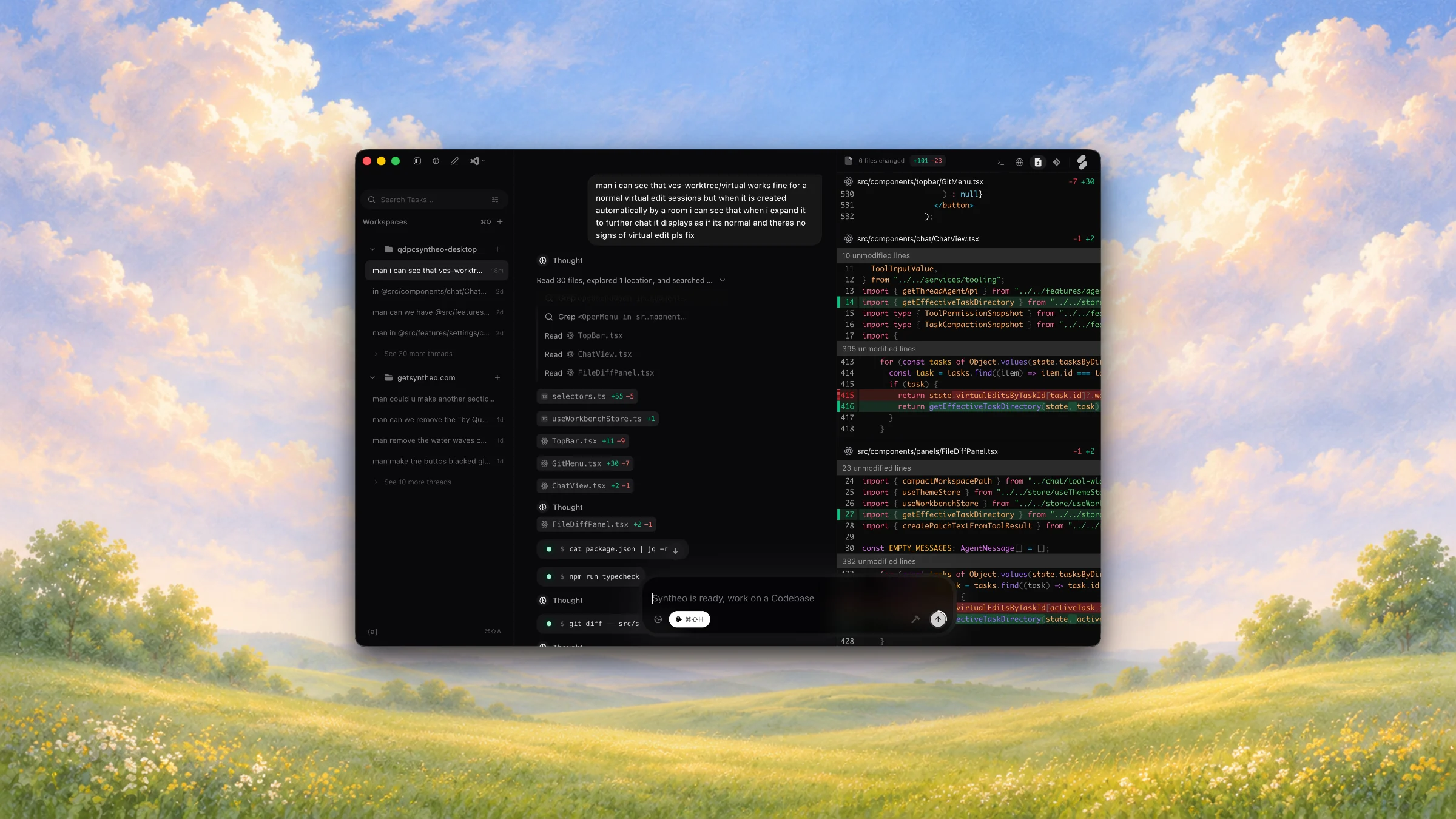
Syntheo is a developer environment and boardroom for AI agents. You give an agent a clear task, it works inside a project you choose, and you review the result before you keep it.
Most AI coding tools are one assistant bolted onto an editor. Syntheo is built the other way round: a full environment where agents are part of the workflow itself, with a better harness underneath and you in charge of every change.
A boardroom for your agents
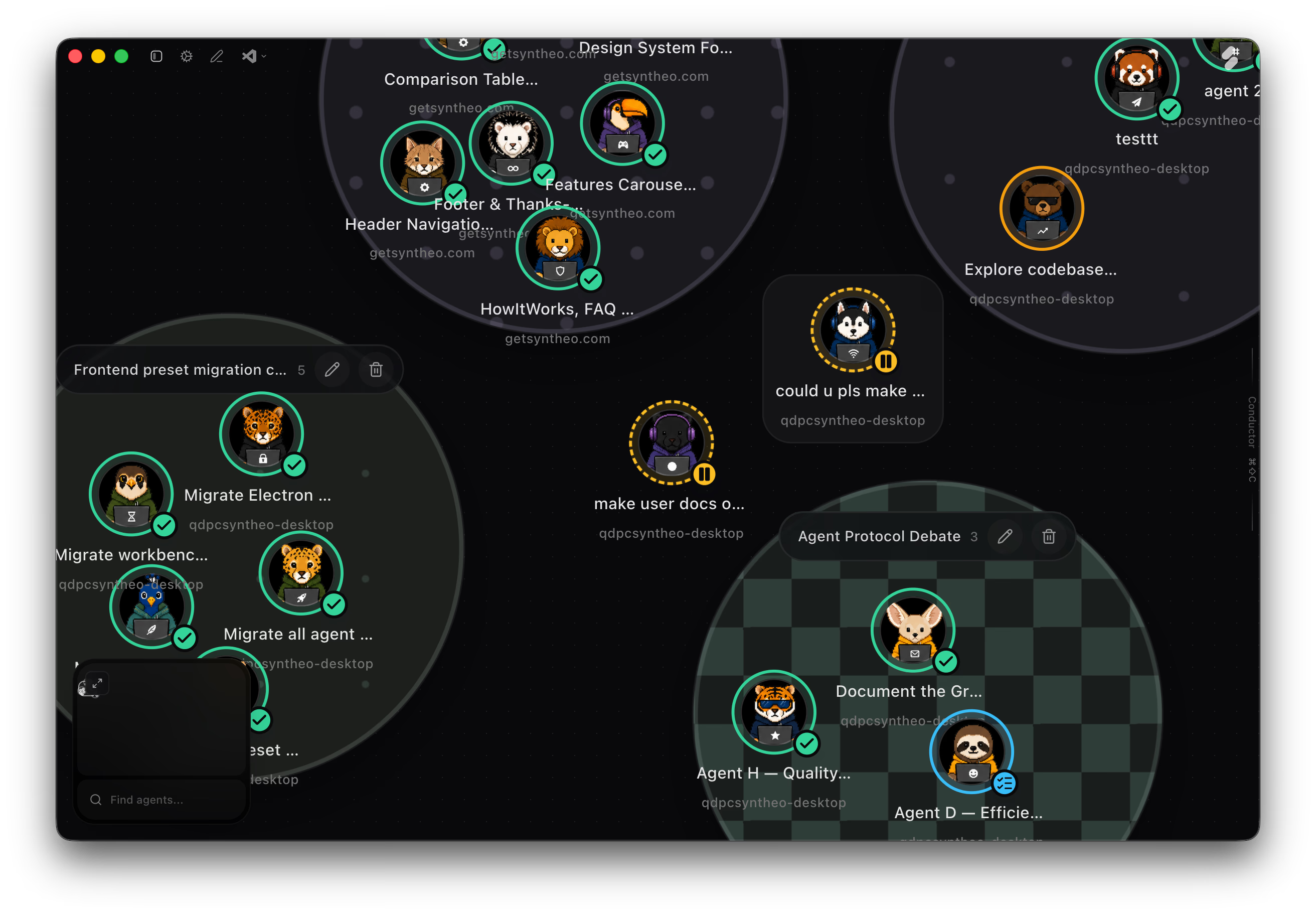
Some work is one task. Some is ten tasks that can run side by side. For the second kind, Syntheo has Autonomy, a literal boardroom and set of meeting spaces where agents plan, collaborate and execute, even over long runs.
- General Hall is for triage, ideas and stand-alone tasks.
- Named rooms group the tasks behind one initiative, with a shared objective and clear ownership for each agent.
- Conductor turns one larger objective into rooms and tasks, then starts, steers and stops the workers. You keep the final call.
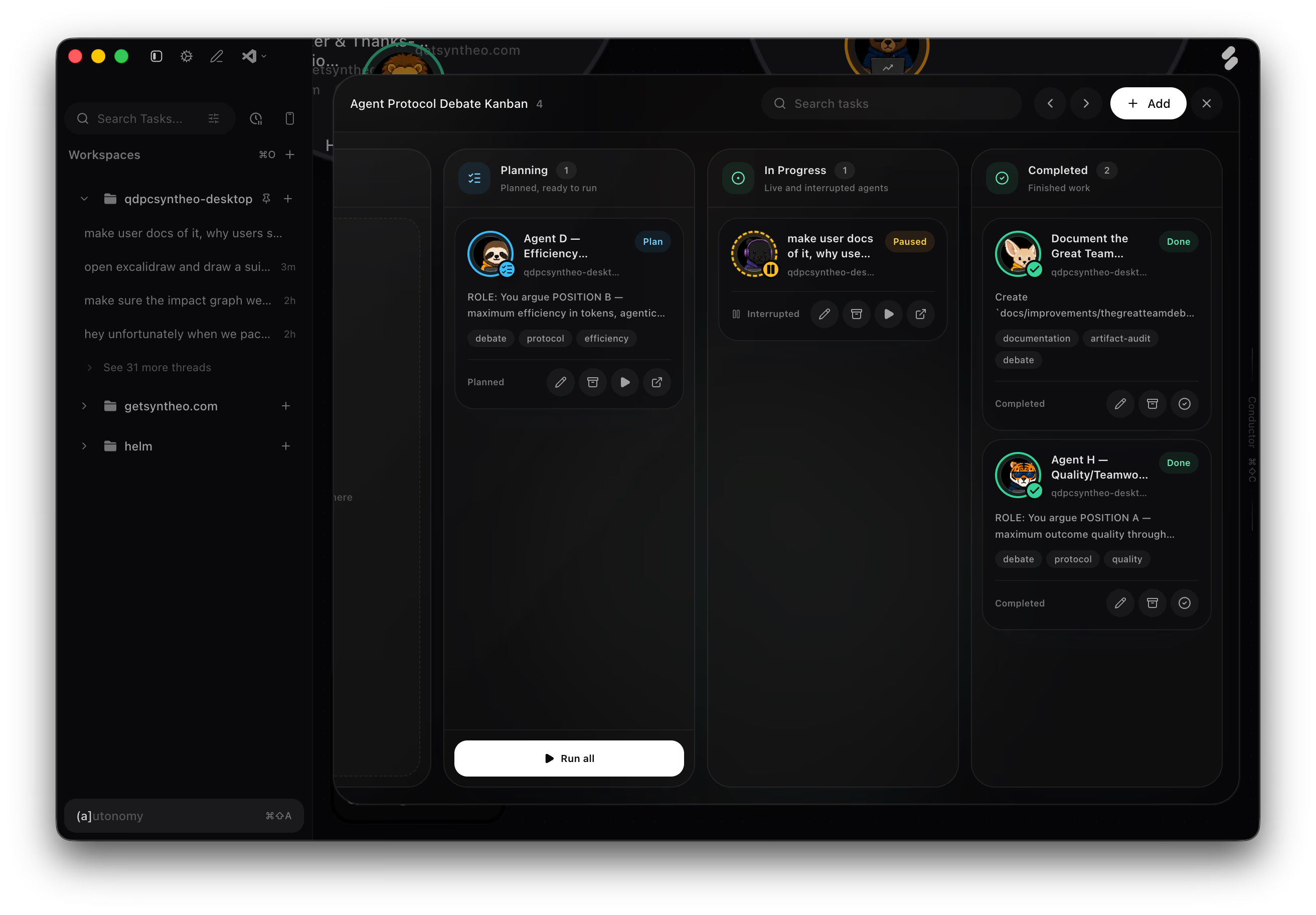
The same work has three views: Exposé shows where agents are working, Kanban shows task status, and Detailed brings a room's conversations and changes together.
Bring the subscriptions you already have
The subscriptions you already pay for become fuel for the agent. Syntheo connects to eligible plans over OAuth, or to any provider with an API key:
| What you have | Connect it as |
|---|---|
| Claude Pro or Max | Anthropic |
| ChatGPT Plus or Pro | OpenAI Codex |
| GitHub Copilot | GitHub Copilot |
| A provider API account | The matching provider |
Custom and local endpoints work too. Each task goes to the model that handles it best, and you can swap providers between tasks or drop one entirely without breaking your workflow. You are never locked into a single vendor.
Models are set per preset: Standard for everyday work, Hunter for hard planning and debugging, Design for interface work, Browser for anything that needs the web, and Custom presets for specialist workflows you repeat.
A better harness
The harness is where Syntheo earns its keep:
- Smarter scheduling. More agents in flight and less waiting. The scheduler keeps every swarm moving at full speed.
- Up to 90% less on inference. Work is routed to the model that handles it cheapest, and most of it runs on plans you already pay for.
- Intellisense for tools. Agents know your tools the way your editor knows your code: the right command and arguments, first time.
- Dynamic context. The right files, history and decisions travel with each task, and long threads are compressed before they get noisy. Agents pick up where you left off instead of starting cold.
Four ways to work
Every task starts with a mode that says what kind of work you want:
| Mode | Use it when |
|---|---|
| Submit | You want the task done: Syntheo inspects, changes, checks and summarizes |
| Ask | You want an explanation or comparison, with no edits |
| Architect | You want a reviewable plan before anything is built |
| Debug | Something is wrong and the cause is unclear |
Type @ in the composer to point the agent at exactly the file, folder, skill or tool it should use.
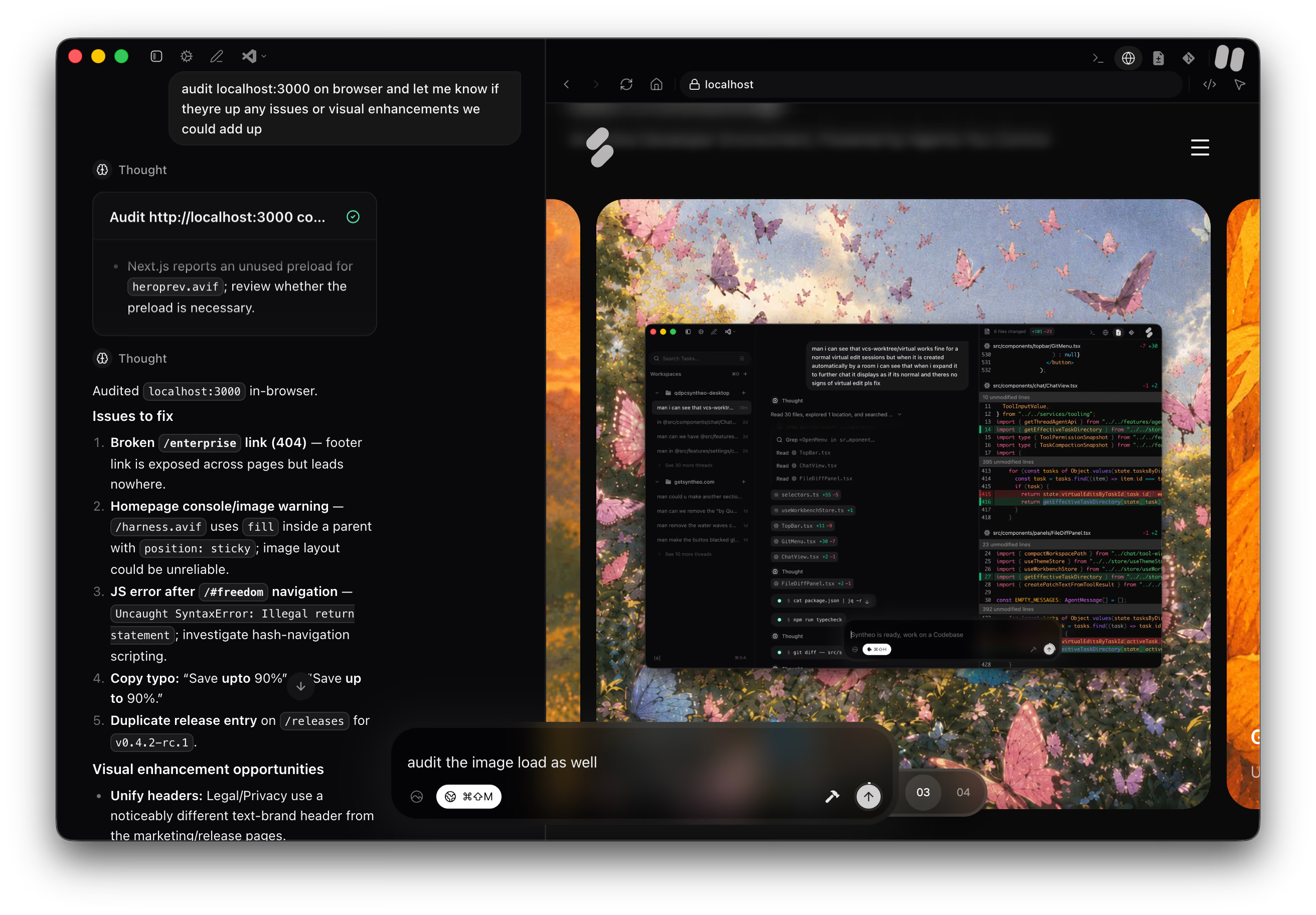
You stay in control
Work is scoped to the workspace you select. Tools that write files, run commands, touch Git or reach the network can stay on Ask, so each request pauses for you to read it and allow it once, for the current turn, or not at all. You can stop or redirect a run at any point.
Virtual Edits keep risky changes in a separate layer. You review the diff, and only Apply Layer brings them into your project. Applying never stages, commits or pushes anything on its own.
Everything built in
- Terminal and Browser panels to run commands and reproduce web behavior.
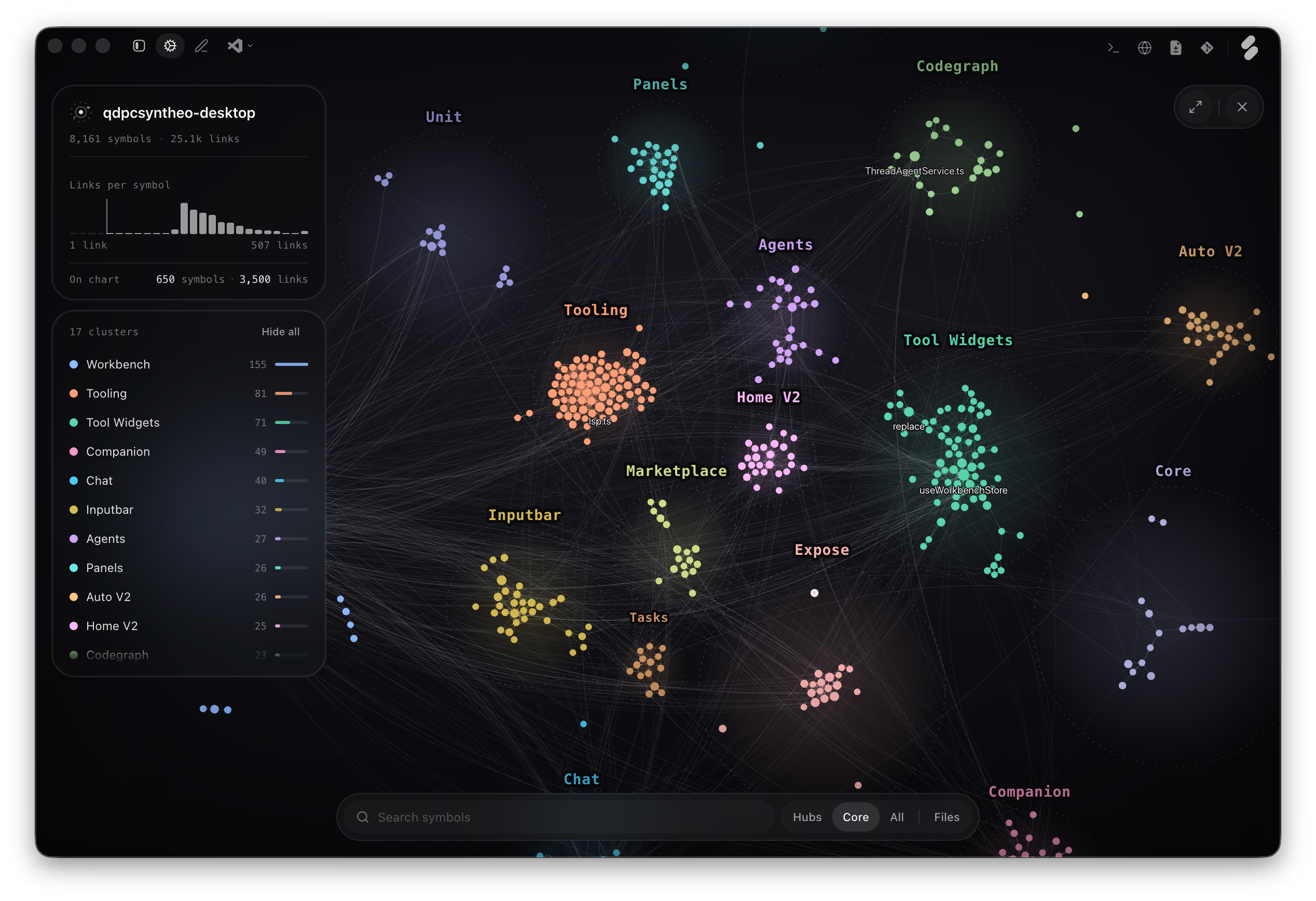
- Code Atlas, a map of your codebase that helps agents find the right places in large or unfamiliar projects.
- Scheduled Tasks that run a saved prompt at a set time, so work happens while you're away.
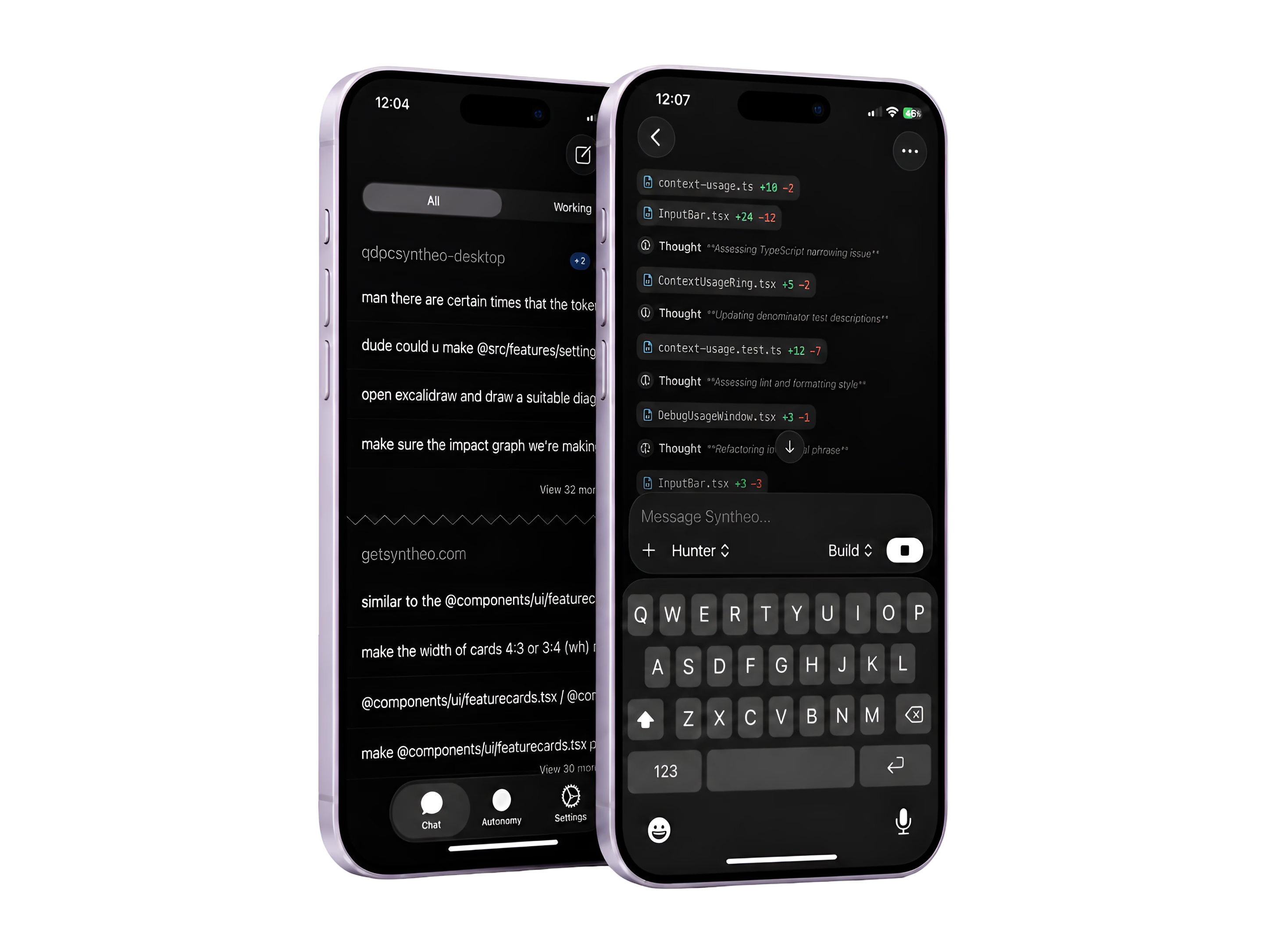
- Mobile Companion, for following tasks and answering approvals from your iPhone.
- Privacy Veil, which hides the Syntheo window from supported meeting and recording apps.
- Skills and MCP tools from the Marketplace, each kept on Ask until you trust it.
There's a command line too, for starting a task from any terminal or script:
syntheo ~/Projects/app "plan the settings update" --action architectGet started
Syntheo is local first, and the 0.4 series is out now for macOS, Windows and Linux. Download it at getsyntheo.com, connect a provider, add a workspace and ask your first question. The documentation walks you from install to your first reviewed change in a few minutes.